Floating Umbrella
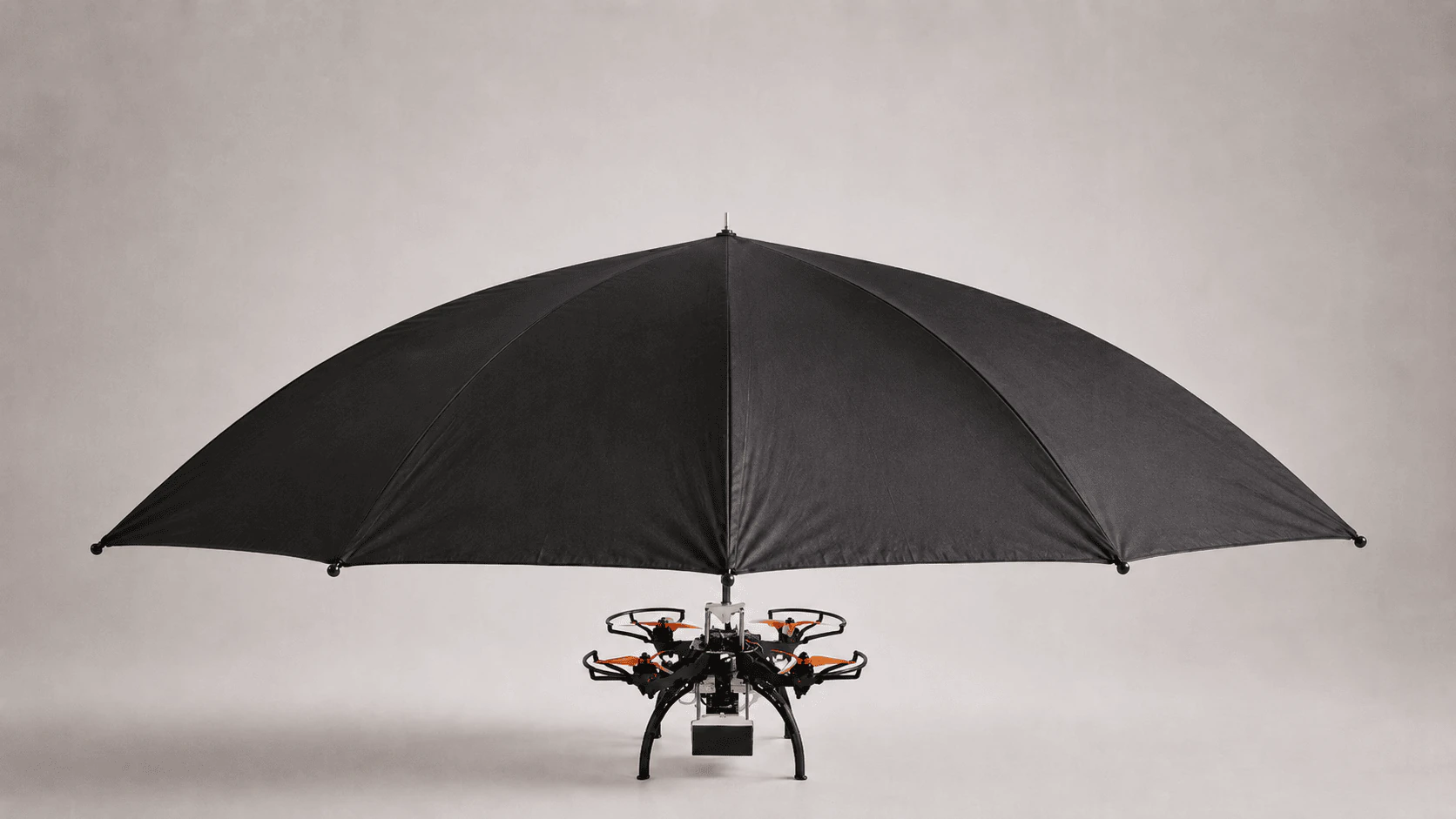
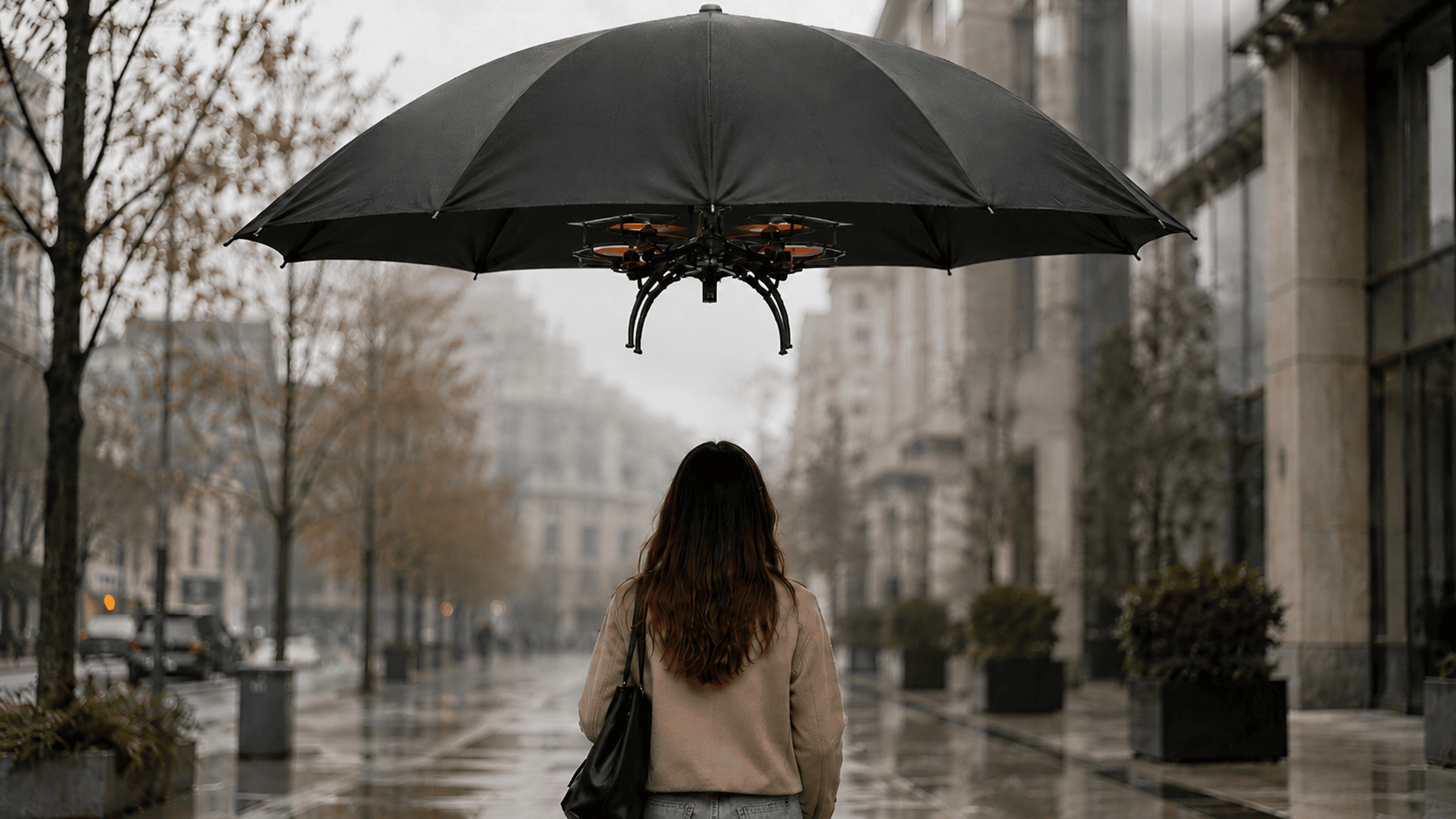
A personal robotic umbrella that flies slightly behind and above the user, using embedded vision to follow while leaving both hands free.
The Problem
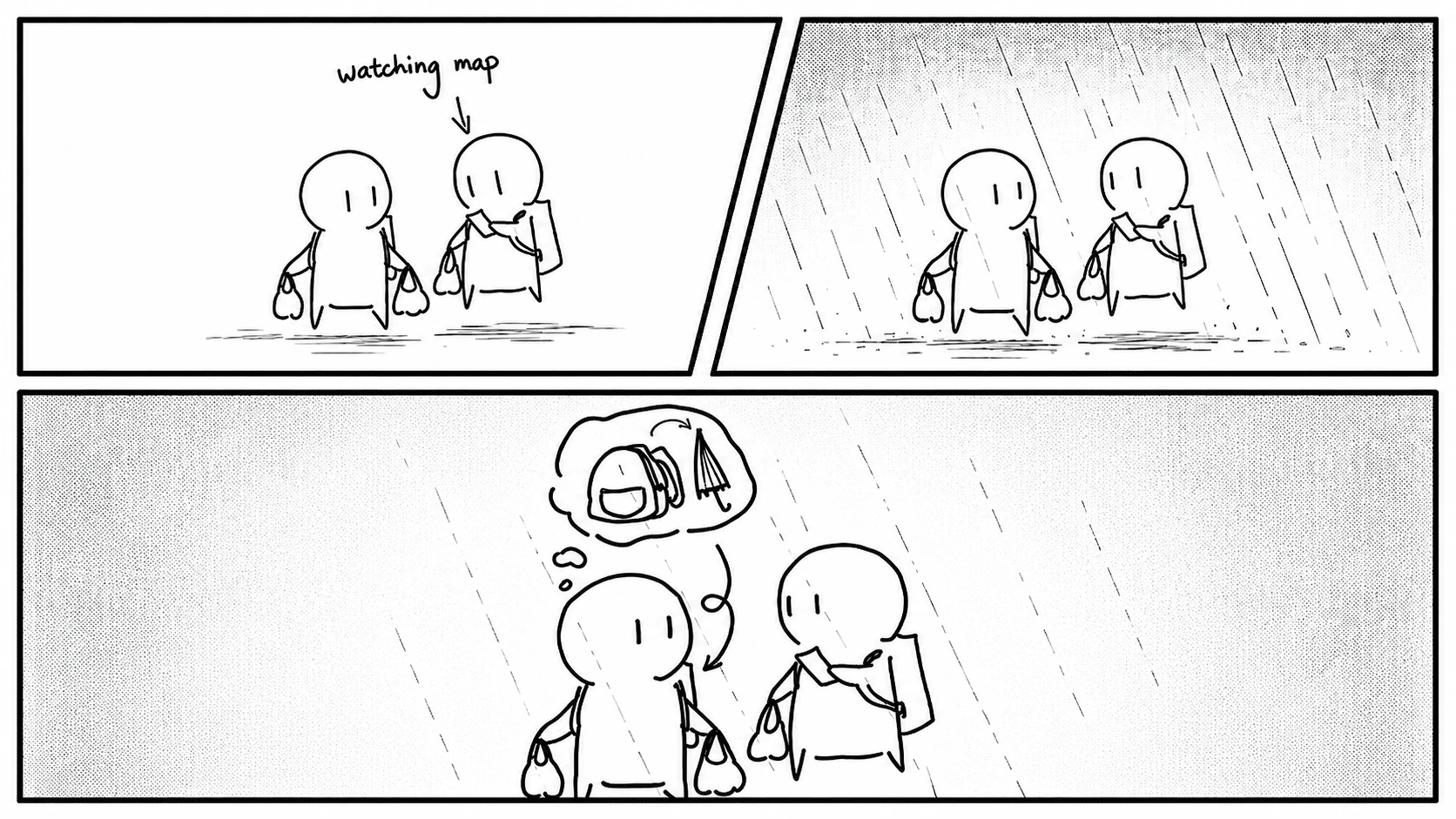
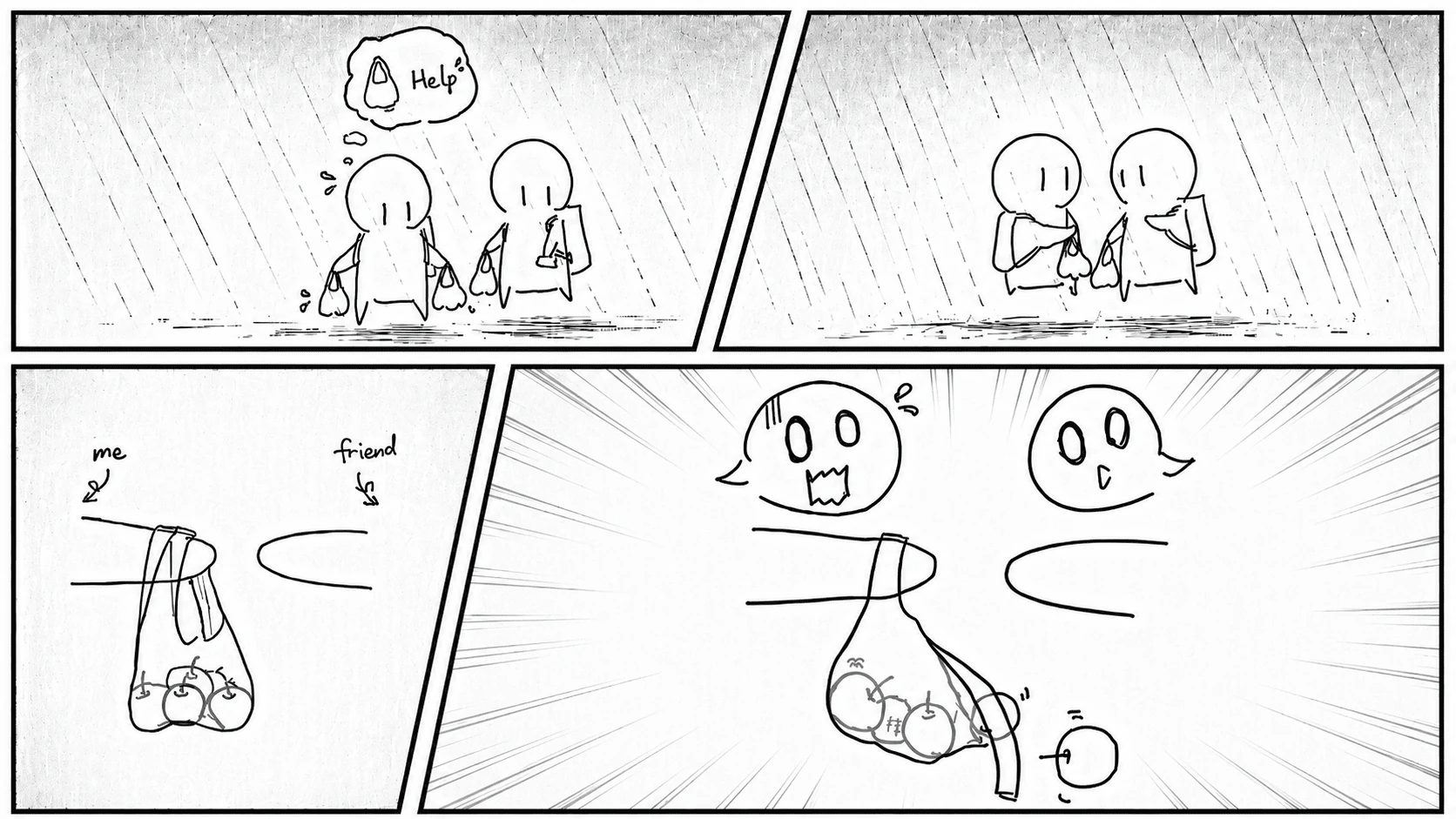
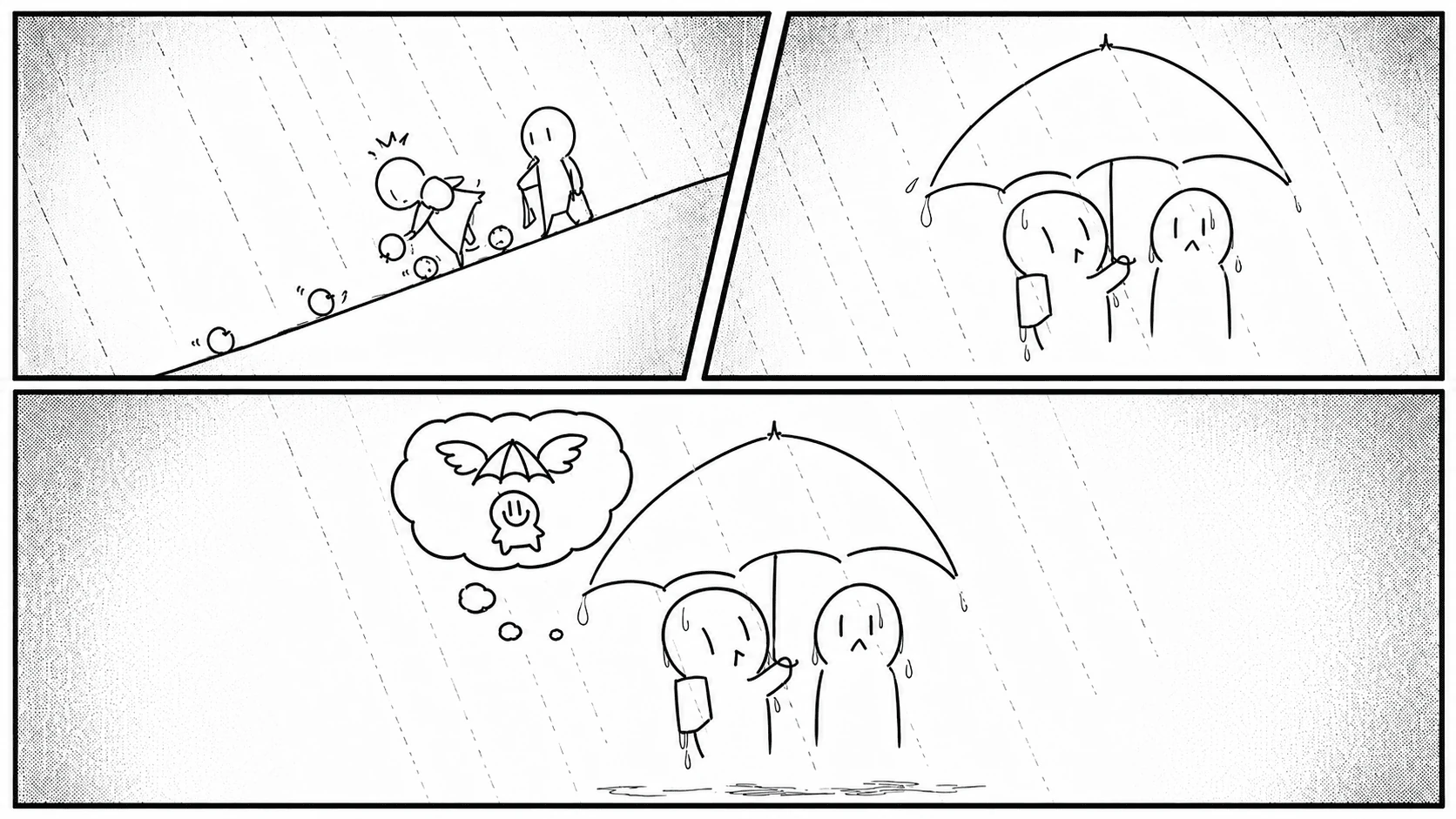
The project started after a grocery run in the rain. Both my hands were full, my umbrella was buried in my bag, and opening it meant setting something down first. A bag handoff went wrong, fruit rolled across the sidewalk, and we were soaked before everything was picked back up. That small mess turned into the design question. Why does an umbrella still assume one hand is always free?
Prototype Iteration
I built the prototype in two rounds. The first focused on getting the tracking loop to work. The camera detected a red marker on a phone, first on a desk and then on a bare quadcopter inside a safety net. Testing without the canopy made tracking delay and drift easier to isolate before adding weight and aerodynamic resistance.
Isolating marker detection before flight
Testing the tracking loop
Checking how the canopy changed lift and stability
The second round turned the tracking system into an umbrella. I moved to a larger frame and designed a socket that allows different canopies to attach from above without rebuilding the body. A small rain cover and a wider sun shade could then be tested on the same platform.
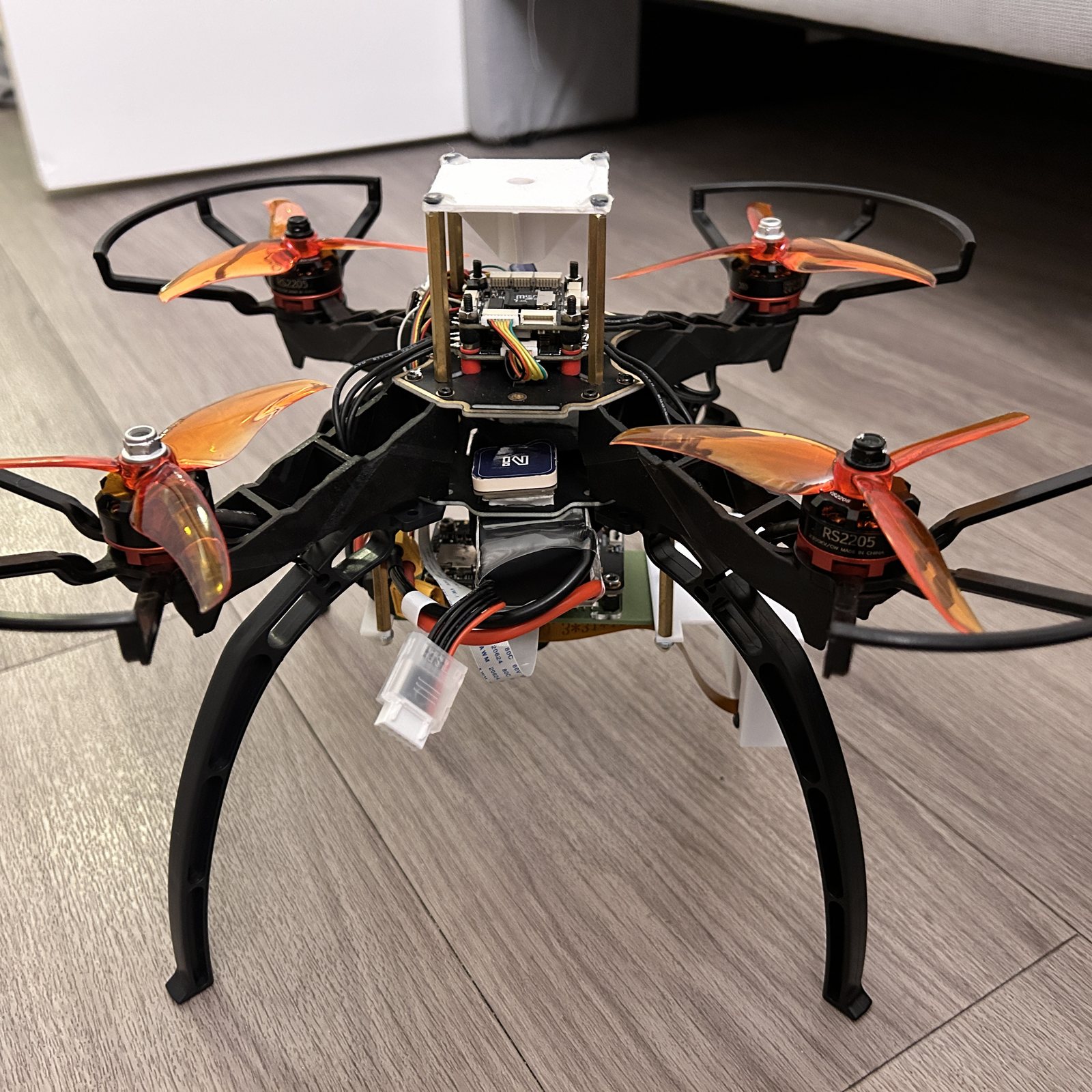
The rebuilt frame with its socket tower
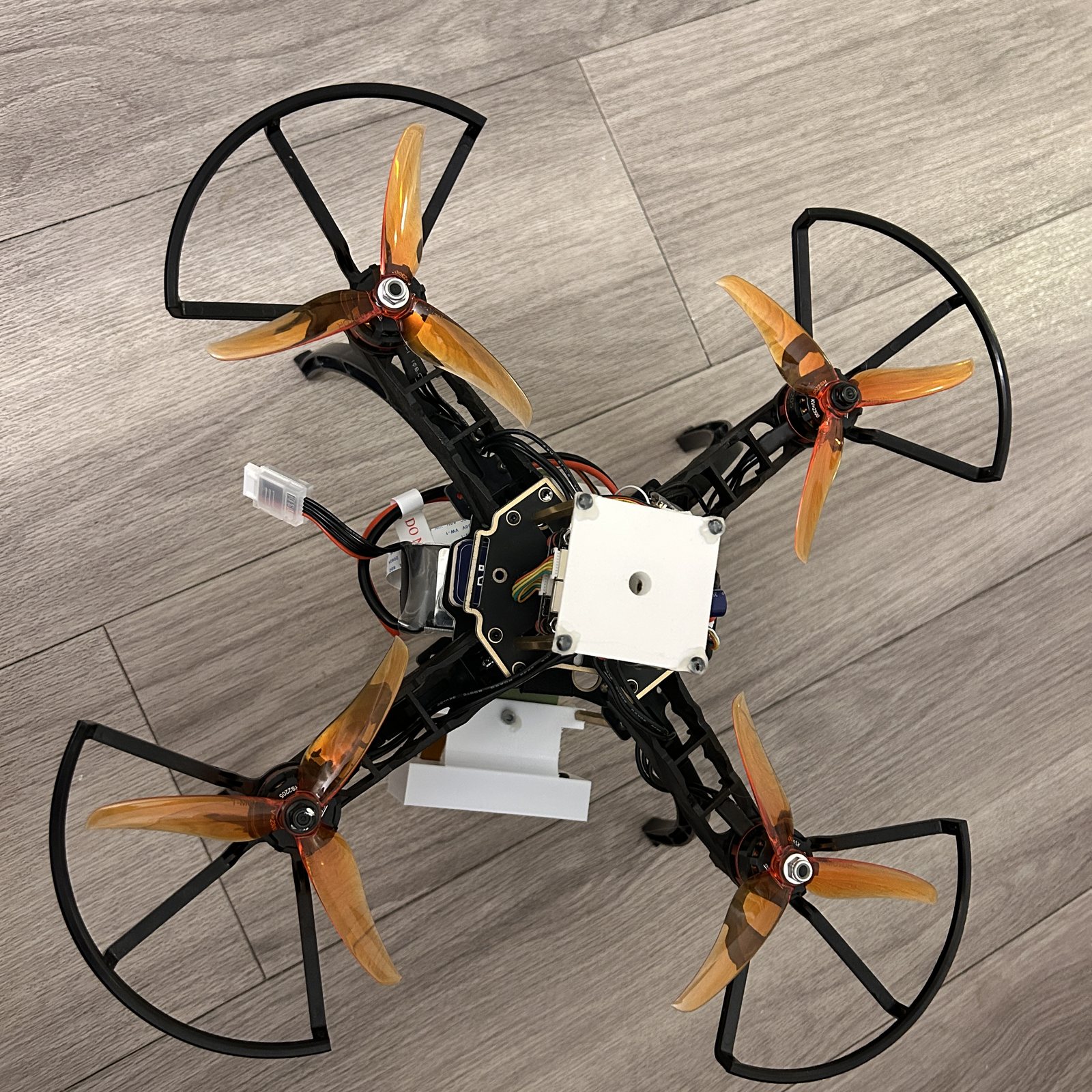
The canopy socket from above
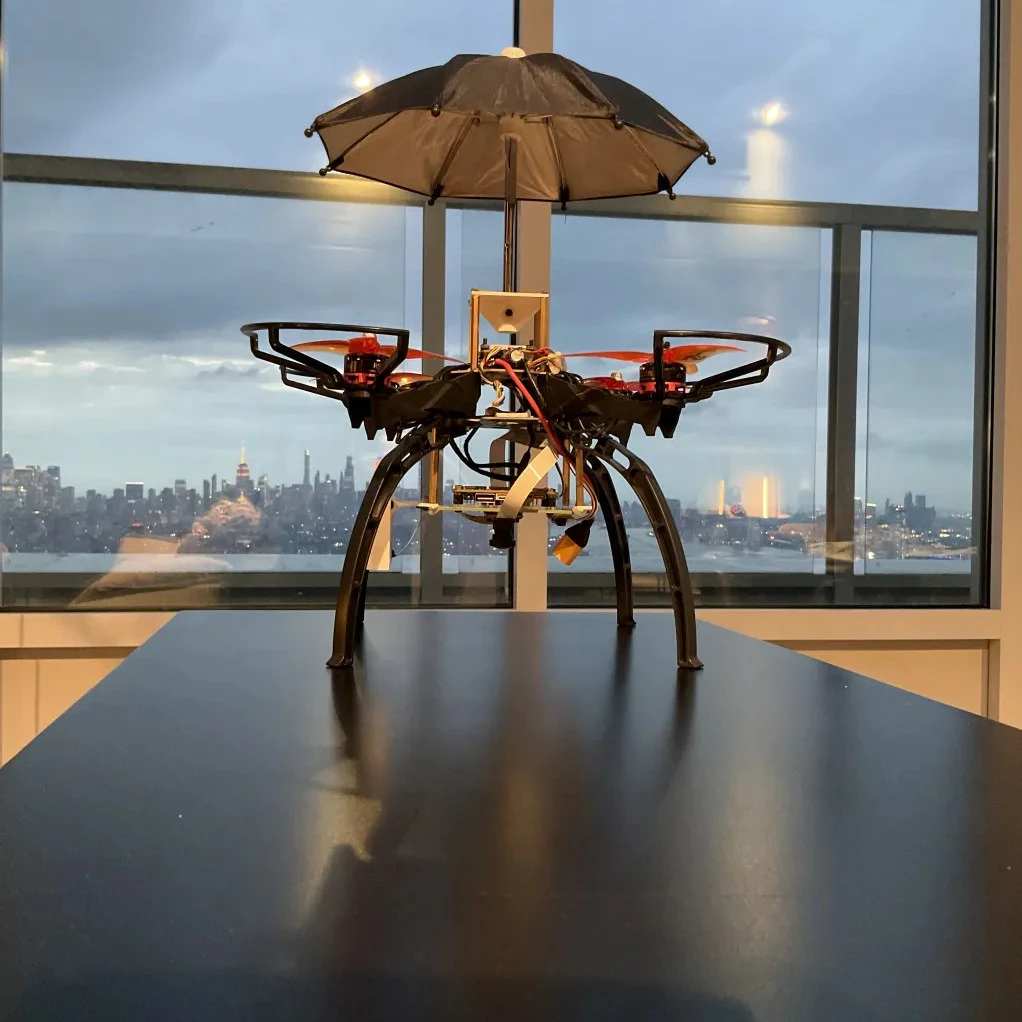
An umbrella plugged into the socket
Expert Feedback
Once the first version could follow a target, I spoke with an accessibility engineer and a robotics engineer to decide what the next version needed to do.
Accessibility engineer
It only counts as accessible if someone gets from their door to their destination without touching it once. The moment it asks for an adjustment on the way, a hood does the same job with less trouble.
Robotics engineer
Following a person outdoors is the hard version of the problem. Wind pushes the frame around, sharp turns and crowds break the camera's lock, and the safety question is what the drone does in the moment it loses you.
Design Rules
I wrote what the two engineers said into four rules for how the umbrella should move. The left side of this table is the worry that came up in the interviews, and the right side is what the drone actually does about it.
Follow without steering
The onboard camera watches how far the person drifts from the center of its view and keeps nudging the drone to close the gap. The user never steers, just walk.
Never hover directly overhead
The umbrella keeps a spot slightly behind and above the user. The cover still lands where it should, and the spinning propellers never sit over anyone's head.
Stay predictable when tracking breaks
When it loses sight of the person, it does not guess where they went. It backs off, holds still, and waits to find them again.
Share the sidewalk
The tracker checks color and shape together before accepting a target, so it will not mistake a stranger's coat for its owner, and it keeps its distance from everyone else on the sidewalk.
Build
The final prototype is a quadcopter with a canopy socket on top, a flight controller for stability, and a small camera board for tracking. Because the socket is standard, umbrella canopies of different sizes can be tested on the same frame.
The work splits cleanly in two. The flight controller keeps the machine steady in the air, and the camera board finds the person and tells the flight controller where to go over MAVLink.
Flight Testing
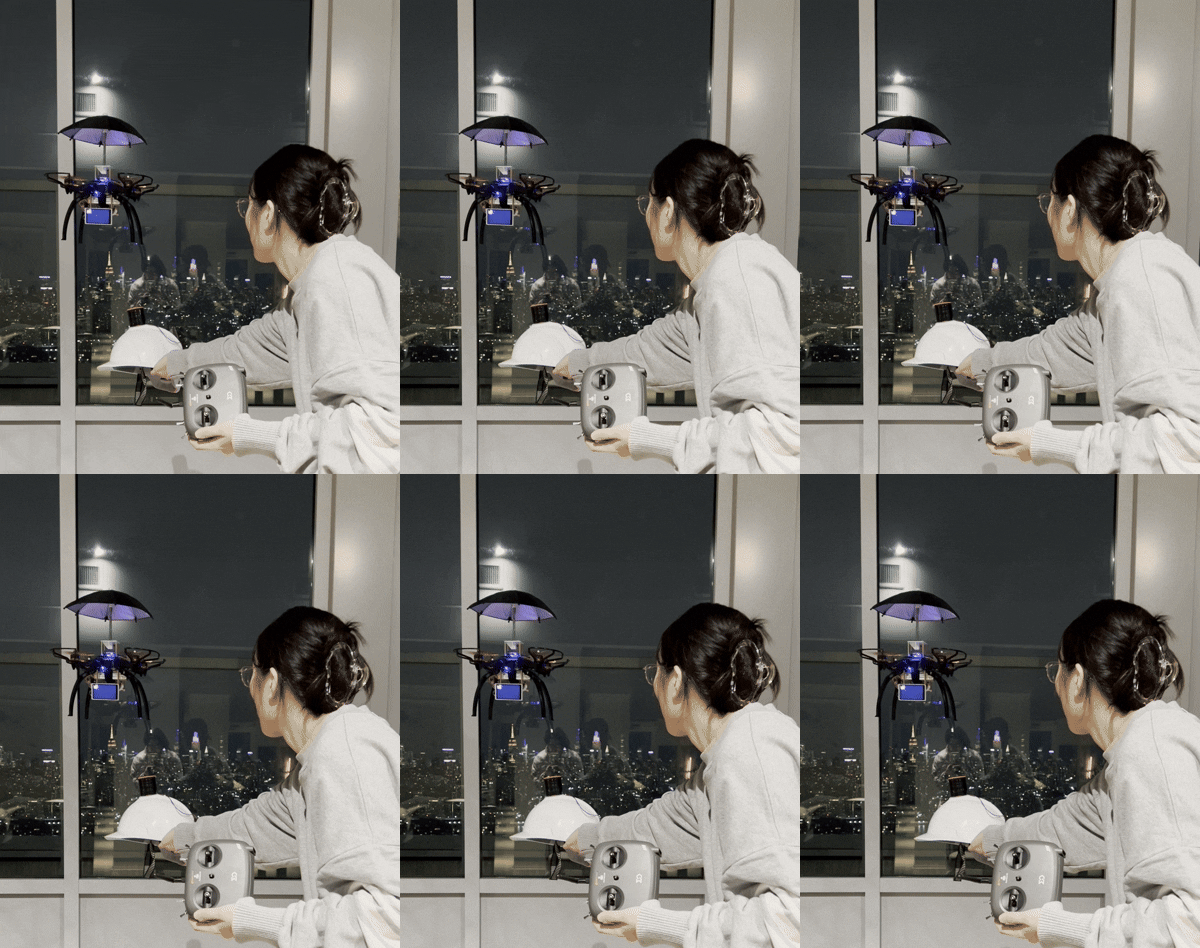
In flight tests the umbrella stayed with its target as it moved, turning what the camera saw into steering and smoothing out the small wobbles along the way.
Indoor sessions tuned how quickly it reacts and checked how the mounted canopy changed the handling. Outdoor sessions added real walking, wind, and people moving around the user.
Designing for Shared Space
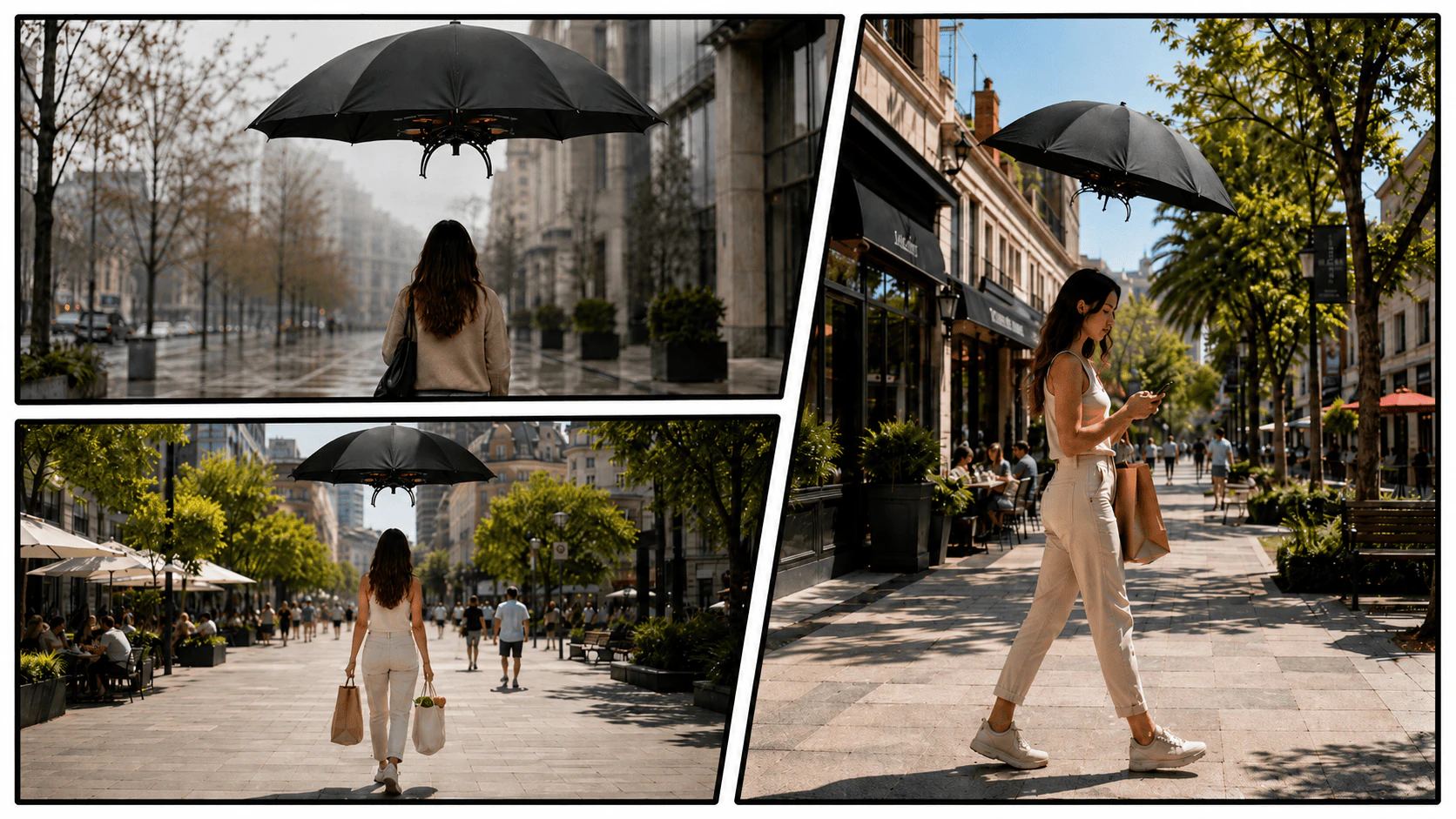
A handheld umbrella only has to work for the person carrying it. A flying umbrella also moves around other people, so its position and response need to remain easy to understand.
I used movement as the main form of communication. The umbrella follows from a consistent position behind and above the user, keeps the frame away from the space directly overhead, and stops instead of continuing forward when tracking is lost. These behaviors make its current state visible without relying on a screen, sound, or additional controls.
The prototype was tested in controlled conditions rather than crowded public streets. The scenes below show how the same behavior could translate to everyday walking environments, while obstacle avoidance, stronger target recognition, and weather resistance would need further development.
Outcome
By the end, the umbrella is no longer something you hold. It walks with you as its own small machine, and your hands stay free from door to destination.
Concept Visualization